Ruby+Devkit 3.4.9-1 x64 for windows.After following the setup instructions, you will need to clone the repository in Visual Studio Code by doing the following:
file > New Window.Clone git Repository — Select a known location on your PC for the repositiory to be copied into.For first time setup, you will need to do the following:
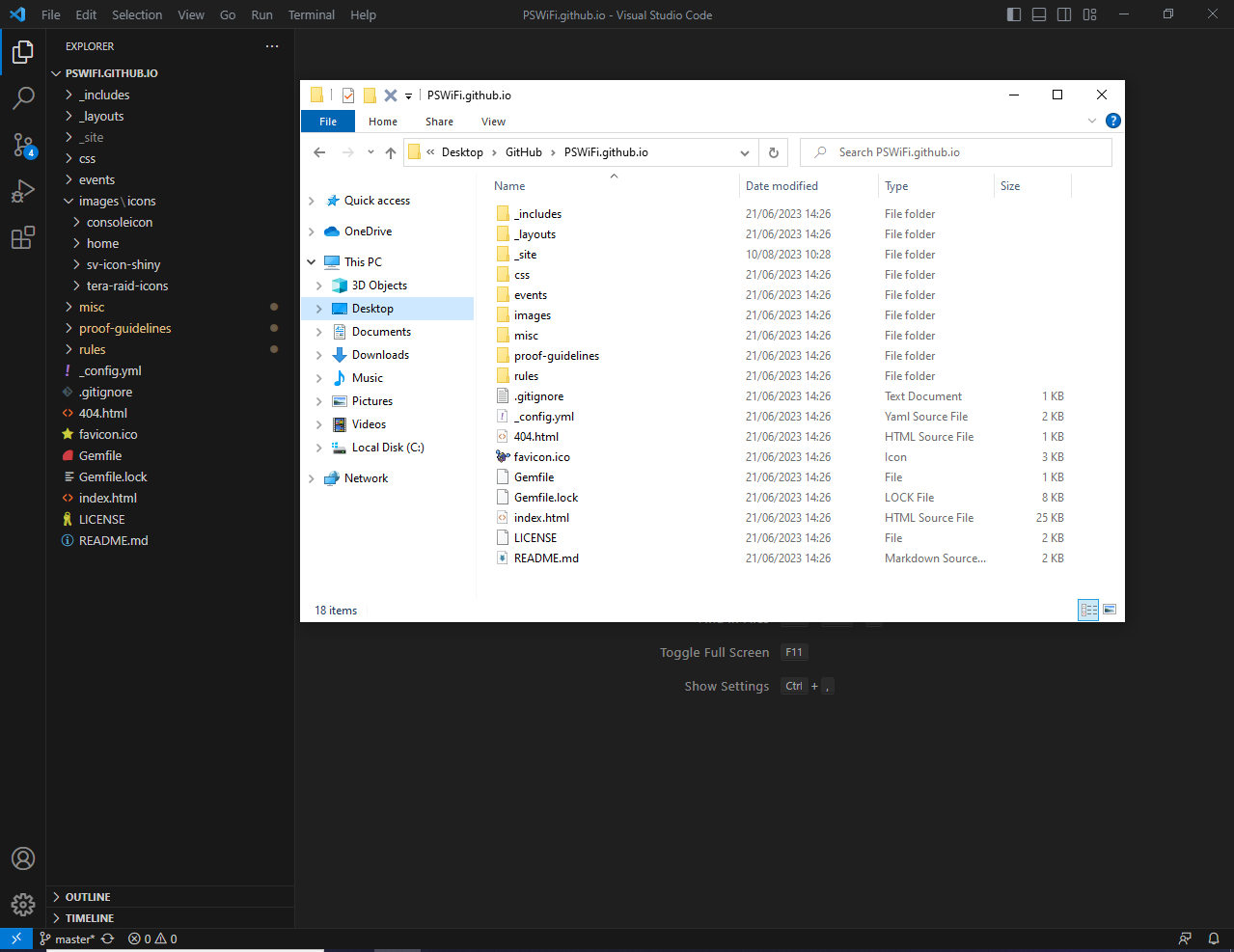
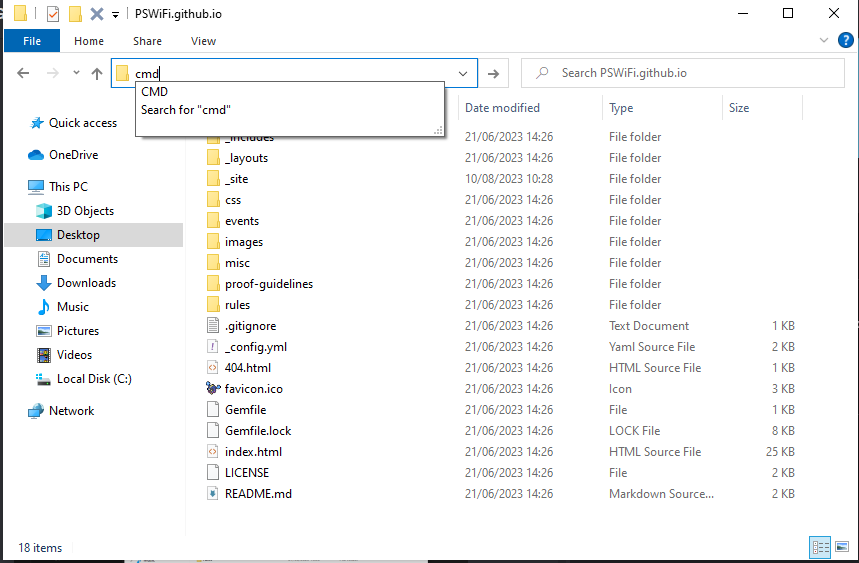
cmd inside the path bar.bundle install and press Enter to install all the relevant dependencies.The following steps assume you have a terminal/command prompt window opened in the folder containing the site. Please follow the instructions under Section 2a to do this if you are not sure how.
bundle exec jekyll serve --livereload inside the terminal window, then wait for the website to finish generating.@Website in the #website discord channel to say you have a PR that is pending approval.